Setup Guide
From zero to a running AI employee on your own server. Follow along step-by-step — it takes under 10 minutes.
📦Create Your Project
🚀Deploy Your Agent
🖥️Dashboard Setup
⚙️Configure & Go
🔒 Safety Tips
- • Use separate, dedicated accounts for the AI agent
- • Never share your personal credentials with the agent
- • API keys stay on YOUR server — we never see them
- • Set spending limits on your AI provider account
- • Review agent actions regularly via the Activity page
- • Define clear boundaries in SOUL.md
📦 Create Your ProjectStep 1 of 15
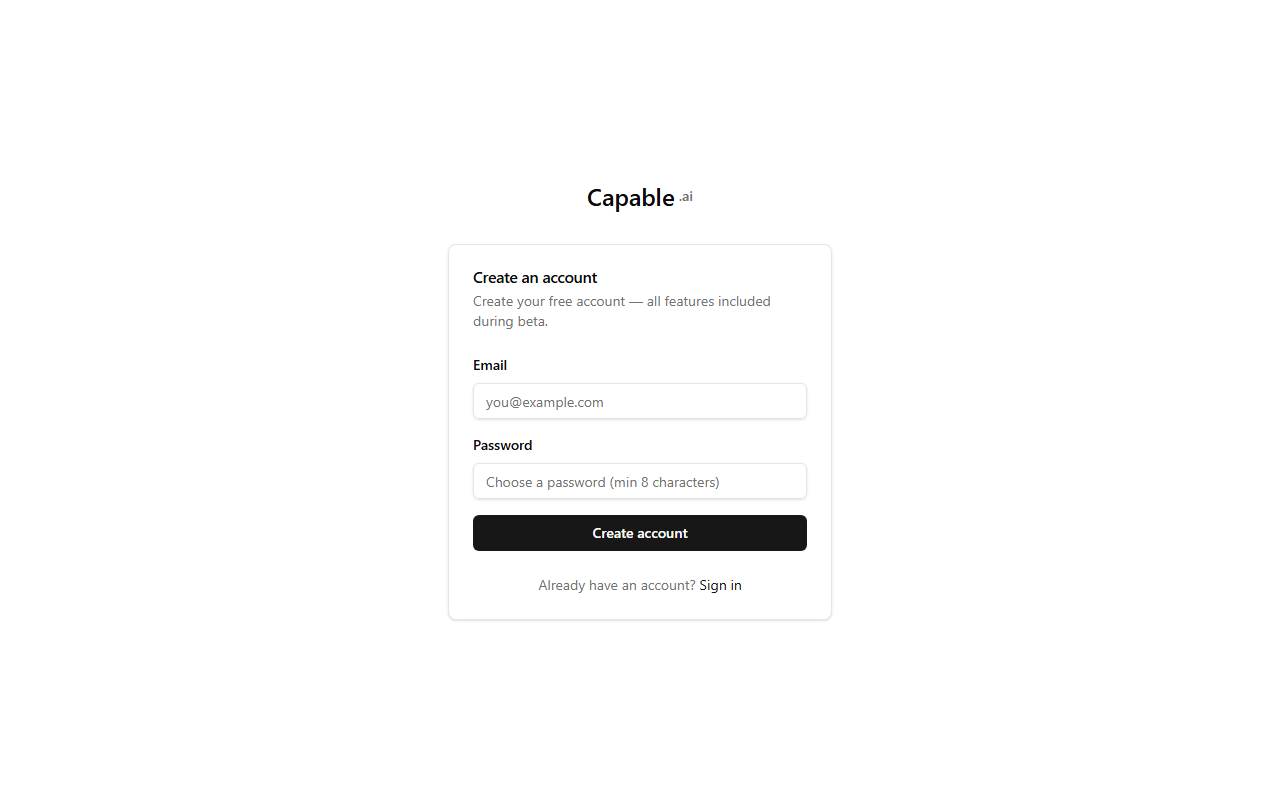
Create Your Account
Head to capable.ai and create an account with your email. No credit card required — everything is free during the beta.
capable.ai/register
📦
Sign-up form with email and password fields
Screenshot coming soon